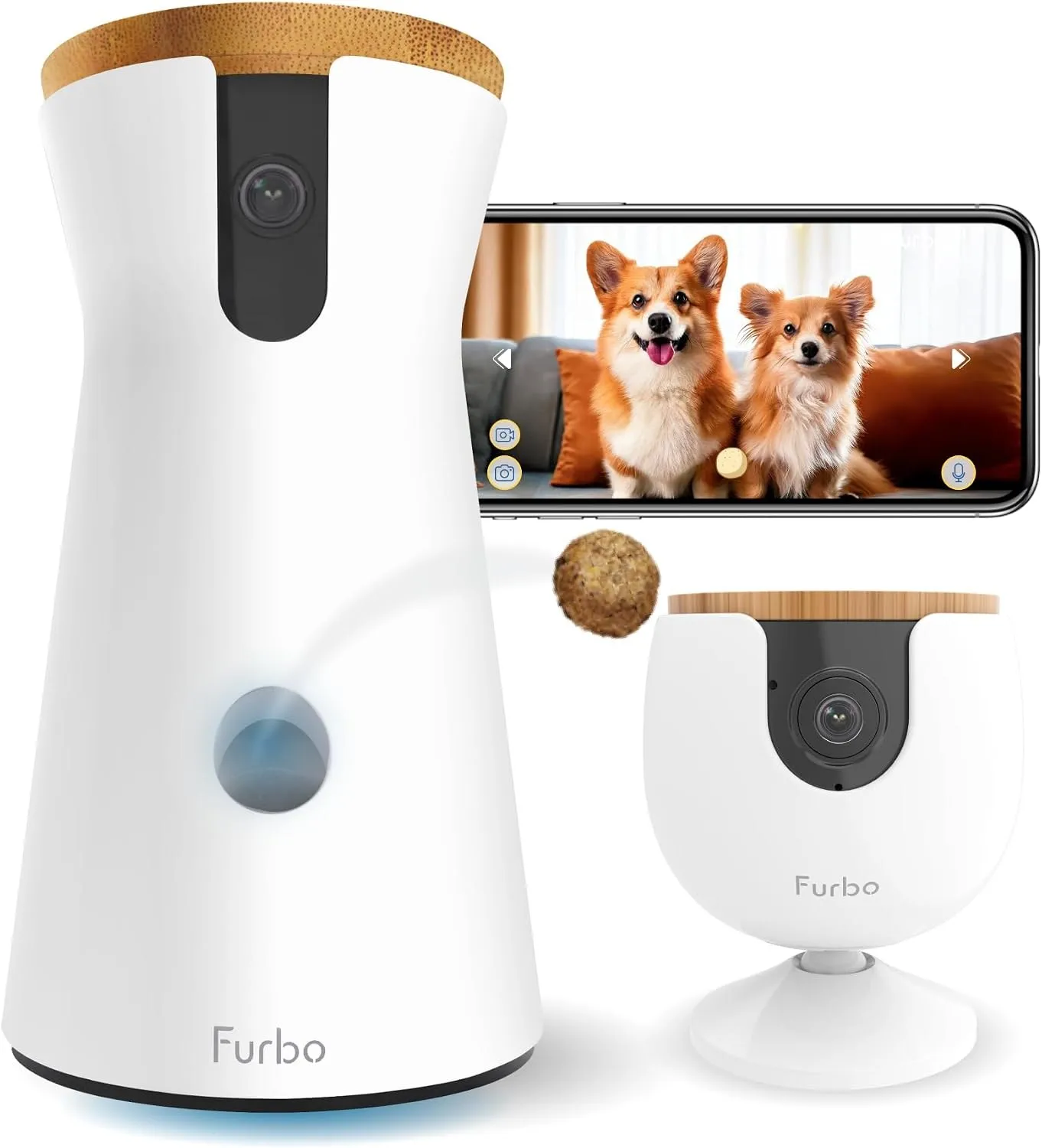
Furbo Records 15-Second Clips. This Owner Lost 3 Hours
The short answer: Furbo’s video history is not a recording. The camera stores a 15-second clip each time its AI decides an event matters, and keeps those clips for 1, 3, or 7 days depending on the plan. When detection fails, nothing is stored and nothing can be recovered. A two-star Trustpilot review from 21 June 2026 describes a 3-hour gap that covered a seizure and a vomiting episode, plus a second 3-hour gap the same week. Furbo’s own help pages admit the AI can miss detections, and the vomit alert page says the camera may not catch every episode. Four tests below show whether your camera is recording the hours you believe it is.
I read that review three times. The first pass reads like a hardware failure, the third pass reads like something quieter. The camera was powered. The app was open. The subscription was paid. The dog seized somewhere inside a 3-hour window, and the archive for that window does not contain a blurry file. It contains no file.
What does a Furbo “recording” actually consist of?
One sentence on Furbo’s video history help page settles it. “Whenever your Furbo detects an important pet-related event, a 15-second video clip is recorded.” The same page says clips are retained for 1, 3, or 7 days depending on the subscription, that audio is captured automatically and cannot be switched off separately, and that Furbo will not record video history while someone is in Live View.
So there is no timeline. There is a stack of 15-second objects, created by a classifier, filed under a label, and deleted on a schedule. Everything an owner means by “the camera was on” depends on that classifier firing.
A gap of 3 hours is not three hours of footage to hunt through. It is 720 clips that were never made.
Why is a missing 3 hours different from a bad 3 hours?
A bad recording is a file you can argue with. A missing one leaves no artifact: no thumbnail, no skipped timestamp, no grey block in the timeline. Furbo’s app shows the clips that exist, and nothing where clips should have been, which is indistinguishable from a quiet afternoon.
The reviewer known as Lcharneyt, posting 2 out of 5 stars on Trustpilot on 21 June 2026, described the sequence. “It stopped recording for 3 hours and missed a full seizure and massive vomiting episode, which we did not become aware of until we returned home 7 hours later and had to rush the dog to an emergency vet.”
Then the detail that makes the clip model visible. Support told the reviewer the system “can only backdate 15 seconds after motion is detected, except it didn’t record the motion at all.” That is not a storage failure. Storage worked. Detection did not, and detection is the input.
A second gap of 3-plus hours landed the same week, in the same room, with the family present. The explanation offered in chat was dim light and dogs blending in. The reviewer pointed out that the second gap happened the previous evening with the lights on, and that the footage resumed with clear night-vision video of the same black dog on the same couch.
Furbo’s false detection page does list dark subjects as a hard case. The page is also the closest thing Furbo publishes to a statement of the model’s limits.
Furbo’s false detection page names 4 conditions which break recognition: strong backlighting, a camera mounted too high, clothes hanging in frame which look like a person, and dark fur, because dark objects absorb light. The same page states AI accuracy improves over time as the software learns from more images. Furbo’s pages give no accuracy figure for any alert type, so an owner cannot measure whether month 6 beats month 1. The miss-detection page adds a fix list of unplugging, a Wi-Fi reset, and 24 to 48 hours of observation. Toys and photographs can trigger pet alerts on the same page, which means the model errs in both directions. Placement counts too: Furbo recommends 22 to 45 inches above the floor, measured against the pet’s height. The same conditions appear in the June 2026 review, where support blamed a dim room and a black dog.
Which alert types does Furbo watch, and what is not on the list?
The miss detection page names the events an owner is troubleshooting: barking or meowing, activity, person, selfie, and emergency. Vomit alert is the newest addition, marked “New” on the same page, and shipped with its own warning.
Read that warning slowly. “While the AI is continuously evolving and improving, there might be occasional false alerts triggered by activities such as bowing their heads on a patterned carpet” and “there is a possibility that Furbo Camera may not detect every episode of vomiting.”
A seizure is not on that list at all. A seizing dog may not bark, may not move across the room, and may be lying on furniture in low light. The camera has categories for noise, motion, people, and vomit. It has no category for a still animal in distress, so the event arrives as nothing.
The Live View rule compounds it. Furbo’s clip article says the camera will not record video history while an owner is watching live. Open the app to check on a dog that seems off, and the minutes you are watching are the minutes that never become clips.
What does the plan decide about what survives?
Furbo’s video history comes with 3 prices and 2 retention windows. Standard costs $9.99 a month, $7.99 a month billed yearly, or $7.49 a month on a 2-year term, and keeps 3 days of clips. Premium costs $12.49, $9.99, or $9.37 and keeps 7 days. Both tiers cover up to 10 Furbo cameras, with each extra camera adding $2 a month, so a two-camera home pays more than the headline. Three days of retention covers a weekend. Seven days covers a vet appointment on the following Wednesday. Neither window covers an insurance claim filed in the second week, and neither restores footage that detection never triggered. Furbo states that a subscription-required camera needs an active plan for live view, two-way audio, treat tossing, and barking alerts. Furbo’s Trustpilot profile on 5 November 2026 showed 162 reviews at 3.5 out of 5, with 75 written inside 12 months and a badge reading Hasn’t replied to negative reviews.
Both windows are printed on the plans page, and the billing complaints behind the 3.5 score are collected in our Furbo 360 review. The furbo.com profile is where the 21 June 2026 review still sits, unanswered.
What does the support script check, and what does it never check?
Two pages carry the whole troubleshooting path.
The not-recording page names outdated firmware and a temporary network glitch, then asks for a firmware check, a router power cycle of at least 30 seconds, a camera power cycle of at least 30 seconds, and 24 to 48 hours of monitoring before contacting support.
The miss-detection page adds a reset of Wi-Fi settings in the app, another 24 to 48 hours of observation, and, for a single event, an instruction to note the time, switch the camera off in the app, and upload a debug log by tapping the account email eight times until the app confirms debug is enabled.
Furbo’s help center documents a support path built on 24 to 48 hour waits, and no step in either article asks whether the classifier saw motion and declined to record. The debug log goes to Furbo’s engineers, not to the owner. No Furbo screen shows a per-event decision history, a confidence value, or a record of detections the app chose not to save. A Standard plan keeps 3 days of clips, so the 48-hour observation window plus a weekend can outlast the footage under review. Furbo also recommends mounting the camera 22 to 45 inches above the floor, measured against the pet’s height, which adds a placement variable most owners never test at all. A camera on a shelf above that range sits outside the documented setup, and the first question support asks is where the unit is mounted.
What four tests show whether the camera records the hours you think it does?
Run these in order. Each takes minutes and produces a yes or no, not an opinion.
- The walk-through test. Walk in front of the camera at a known time, in the light you actually use at night, wearing what you normally wear. Write the time down. Check the app 10 minutes later for a clip with that timestamp.
- The retention test. Find a clip from four days ago. If the plan is Standard and the clip is gone, the archive is 3 days, not the 7 or 30 days people assume.
- The live view test. Watch the live feed for 5 minutes while a second person walks through the room. Then check for a clip of that walk. If none exists, the Live View rule is eating the footage.
- The storage test. Find out where footage physically lives. Furbo stores clips in the cloud under the plan. A card-based camera stores files in the camera. Only the second survives a plan lapse, an account problem, or a service outage.
| Test | What you do | What a pass proves |
|---|---|---|
| Walk-through | Cross the frame at a logged time | Detection fires in your actual lighting |
| Retention | Open a four-day-old clip | The archive is as long as you think |
| Live view | Watch live while someone crosses | Watching does not stop recording |
| Storage | Locate the file on card or cloud | Footage outlives the subscription |
Passing test one and failing test two is the most common result. The camera works, the plan is shorter than assumed, and nobody learns that until the day it matters.
What does continuous recording cost instead?
The TP-Link Tapo C210 records 2K video at 2304 x 1296 to a microSD card of up to 512 GB, sold separately. Tapo’s own store page states that no subscription is required for live viewing, motion alerts, two-way audio, or local storage, and that Tapo Care is optional for cloud retention.
Street price runs about $35 to $40, and a high-endurance 128 GB card adds $15 to $25.
Furbo’s arithmetic is different because it is a service. Standard at $9.99 a month is $119.88 a year. Premium at $12.49 is $149.88. Three years of Standard is $359.64 before the camera, and the three-year cost comparison puts the full Furbo number near $455 against roughly $35 for a card-based camera.
| Camera | What gets stored | Where | Year one |
|---|---|---|---|
| Furbo 360 | 15-second clips on AI detection, 3 days on Standard | Cloud, plan required | $119.88 plan plus device |
| TP-Link Tapo C210 | Continuous or motion clips | microSD up to 512 GB | $35 to $40 once |
Furbo’s US product page on 5 November 2026 showed the camera at a promotional $54 against a $184 list price, bundled with a plan averaged at $6.99 a month against $9.99. Promotions move. The clip model does not.
What should you buy if the point is proof rather than company?
If the reason for the camera is a dog with a medical history, buy the thing that writes files. The C210 is the cheapest credible option I can point at with published specs, and it is the same camera our no-subscription guide recommends for exactly this reason.
Be honest about the trade. Tapo has its own complaints. A 1-star review from 1 November 2026 reads “Constantly have to reboot the camera throughout the day to get it to pick up any movement despite full strength wi-fi signal and full battery,” and other reviewers call the app slow. The C225 has a warranty dispute on record. Card cameras also fail in ways cloud cameras do not, because a card wears out and a card can be pulled.
Two devices is a legitimate answer. Keep the treat-tossing camera for company and put the card camera on the room where the dog sleeps. The storage cost breakdown covers why the cheap-looking cloud plan is the expensive half of that pair.
What I would not do is rely on a camera whose only record of a bad night is 15-second clips that a subscription decides whether to create.
FAQ
Does Furbo record continuously?
No. Furbo’s help center states that a 15-second clip is recorded whenever the camera detects an important pet-related event, kept for 1, 3, or 7 days depending on the plan. There is no rolling timeline, and the same article says Furbo does not record video history during Live View.
Why did my Furbo miss a seizure?
Seizures are not one of the documented alert categories, which cover barking or meowing, activity, person, selfie, emergency, and vomiting. A quiet dog on a sofa in dim light matches the conditions Furbo’s false-detection page names as hard for the model, including dark fur and low contrast.
Can Furbo recover footage that was never recorded?
No. The reviewer who lost 3 hours on 21 June 2026 was told there was nothing Furbo could do about lost footage. Recovery only applies to clips inside the retention window, which is 3 days on Standard and 7 days on Premium.
How long does each Furbo plan keep video history?
Standard keeps 3 days and Premium keeps 7, per Furbo’s plans page. Standard costs $9.99 a month, $7.99 a month billed yearly, or $7.49 on a 2-year plan. Premium costs $12.49, $9.99, or $9.37. Extra cameras add $2 a month each, up to 10 cameras.
Do I need a subscription to use a Furbo at all?
It depends on the model. The Standalone model keeps live view, treat tossing, and barking or meowing alerts free. On the Subscription Required model, Furbo states that an active plan is needed for live view, two-way audio, treat tossing, and barking alerts.
Is a local card camera better than a subscription camera?
For evidence, yes, and for cost, clearly. A C210 plus a card costs about $50 to $65 once and needs no plan. It is worse at treating, tracking, and remote interaction, and cards wear out. The right question is what the camera is for: company, or a record of a night you were not there.
What should I check before trusting any pet camera?
Record a known event at a known time, then find the clip. Confirm where the file lives and how long it survives. Check the retention window against how long your worst-case discovery takes. A camera that cannot pass those three checks is a live feed, not a record.